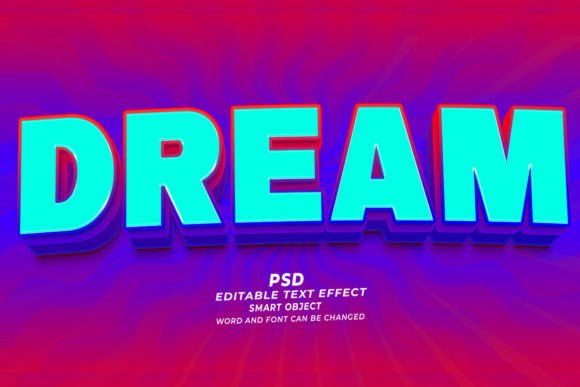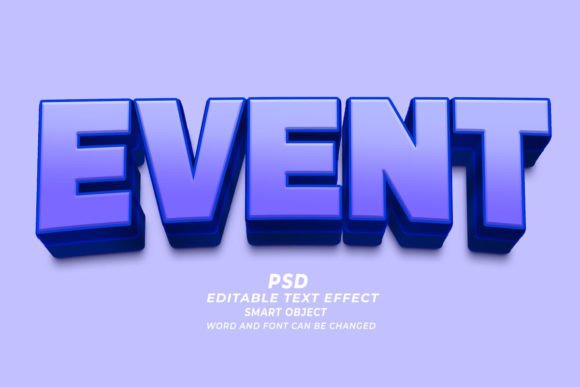
Mastering Visual Impact: A Guide to Event PSD 3D Editable Text Effects
In the fast-paced world of digital design, first impressions are often formed within milliseconds. Whether you are promoting a music festival, launching a new product, or designing a book cover, the typography you choose serves as the voice of your brand. This is where the Event PSD 3D Editable Text Effect becomes an indispensable tool for creators. By combining the depth of three-dimensional rendering with the flexibility of editable smart objects, these templates bridge the gap between professional-grade aesthetics and user-friendly customization.
For many designers, especially those just starting their journey or entrepreneurs managing their own marketing, creating realistic 3D text from scratch in Adobe Photoshop can be a daunting task. It involves complex layer styles, lighting adjustments, perspective grids, and shadow mapping. However, modern design resources have simplified this process significantly. Understanding how to leverage these pre-made assets can save hours of work while ensuring a polished, high-resolution result that stands out in crowded marketplaces.
Understanding the Technology Behind the Template
At its core, a PSD Text Effect is a specialized Adobe Photoshop file that utilizes "Smart Objects." To understand why this is revolutionary for workflow efficiency, one must look at how traditional editing works. In standard image editing, changing text often requires deleting old layers and manually rebuilding effects, which can lead to inconsistencies in lighting and texture.
With a Smart Object-based template, the 3D effect is non-destructive. The heavy lifting—calculating bevels, embosses, shadows, and environmental reflections—is already done. When you open the file, you simply double-click the smart object thumbnail, type your new text or insert your shape, save, and close. The main document automatically updates to reflect your changes while maintaining all the intricate 3D details. This "Click and Edit" functionality means that even users with intermediate Photoshop skills can produce results that look like they were crafted by a senior 3D artist.
Versatility Across Industries
The utility of these templates extends far beyond simple event posters. Because the files are typically high resolution (often 300dpi), they are suitable for both digital and print media. Here is how different sectors utilize these assets:
- Print on Demand (POD) and Merchandise: Designers use these effects to create eye-catching graphics for T-shirts, hoodies, and mugs. The 3D depth adds a premium feel to apparel designs, making them more attractive to buyers on platforms like Etsy or Amazon Merch.
- KDP Book Cover Design: Authors self-publishing via Kindle Direct Publishing need covers that pop in thumbnail size. A bold, 3D title treatment can significantly improve click-through rates by conveying genre and tone instantly.
- Web Banners and Digital Marketing: For website headers and social media ads, the vibrant colors and shadows of 3D text help capture attention in a scroll-heavy environment.
- Corporate Branding: Businesses use these templates for internal presentations, annual reports, and marketing materials to give data and headings a modern, dynamic look.
Why Customization Matters in Modern Design
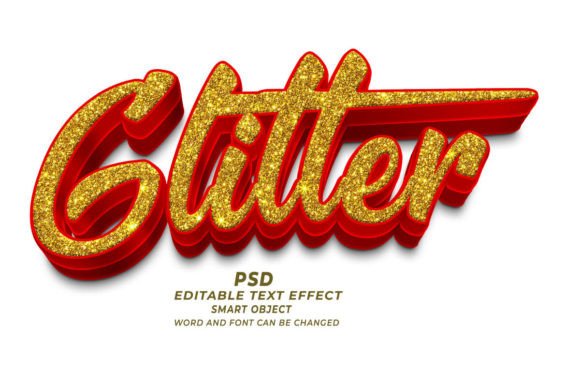
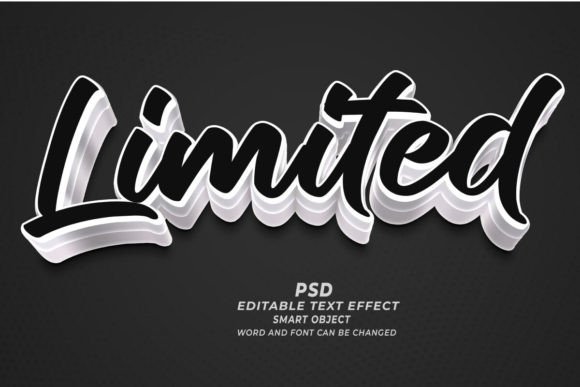
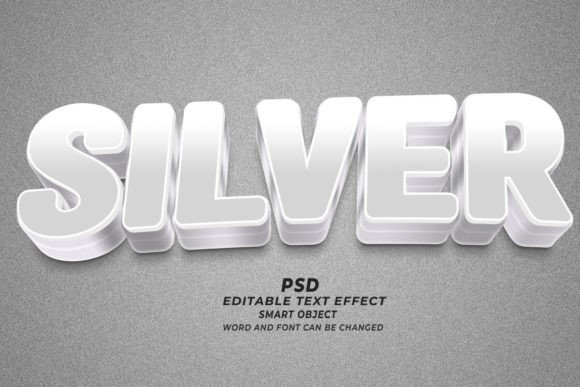
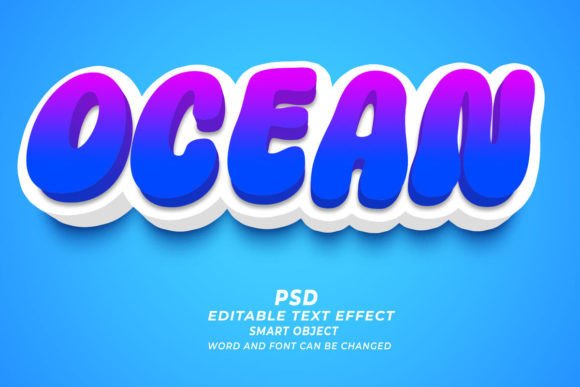
A common misconception is that using templates leads to generic-looking work. While this can happen if one relies solely on default settings, the true power of an Event PSD 3D editable text effect lies in its customizability. Most high-quality packs offer over 100 editable variations, allowing users to tweak fonts, sizes, colors, and textures.
For instance, a techno music event might require sharp, metallic, neon-lit typography, while a children’s book cover might benefit from soft, rounded, pastel-colored 3D letters. Because the fonts and sizes can be changed easily, the same underlying 3D structure can serve vastly different aesthetic purposes. This adaptability ensures that the final output aligns perfectly with the specific brand identity or event theme.
Furthermore, these templates are not limited to alphanumeric characters. Many advanced packs allow you to replace text with any kind of shape. This opens up creative possibilities for logo design, iconography, and symbolic imagery. You could transform a simple company logo into a towering 3D monument or turn a holiday symbol into a festive, textured centerpiece.
Technical Specifications for Quality Output
When selecting a text effect pack, technical specifications are crucial. The best templates operate at 300dpi (dots per inch). This resolution is the industry standard for professional printing. If you intend to use your design for a physical banner, a book cover, or merchandise, low-resolution files will appear pixelated and unprofessional when printed. High-resolution PSDs ensure that edges remain crisp and details stay sharp, regardless of the output medium.
Additionally, compatibility with Adobe Photoshop is key. While other software exists, Photoshop remains the industry leader for raster-based graphic design. Its robust handling of layer styles and smart objects makes it the ideal environment for these effects. Ensuring your software is up to date will guarantee smooth performance when rendering complex 3D layers.
Practical Steps for Best Results
To get the most out of your Hey this is Photoshop Editable Text Effect files, consider the following best practices:
- Choose the Right Font: Not all fonts render well in 3D. Thick, bold fonts usually hold 3D structures better than thin, delicate scripts. Experiment with different typefaces to see which complements the depth effect.
- Mind the Lighting: Even though the lighting is pre-set, you can often adjust the color overlays or gradient maps to match your brand palette. Consistency in lighting direction helps maintain realism.
- Check Contrast: Ensure your 3D text stands out against the background. If the template includes a background image, make sure there is enough contrast for readability, especially for web banners where users scan content quickly.
- Export Correctly: For web use, save as PNG or JPG optimized for screen viewing. For print, keep the file as a PSD or export as a high-quality PDF/TIFF to preserve the 300dpi resolution.
The Broader Impact on Creative Workflow
Incorporating these tools into your workflow is not just about saving time; it is about lowering the barrier to entry for high-quality design. Small business owners, independent authors, and freelance marketers can now compete visually with larger corporations that have dedicated design teams. This democratization of design tools empowers individuals to express their creativity without needing years of technical training in 3D modeling software like Blender or Cinema 4D.
Moreover, the ability to rapidly prototype ideas allows for greater experimentation. A marketer can test five different headline styles in the time it would previously take to create one. This agility is crucial in modern digital marketing, where trends shift rapidly and content needs to be fresh and engaging.
It is also worth noting that while these tools are powerful, they are most effective when used with an understanding of basic design principles. Balance, hierarchy, and color theory still apply. The 3D effect should enhance the message, not distract from it. Using these templates responsibly means ensuring that the text remains legible and that the overall composition supports the intended communication goal.
Conclusion
The Event PSD 3D Editable Text Effect represents a significant advancement in accessible graphic design. By leveraging smart objects and high-resolution presets, creators can produce stunning, professional-grade visuals with minimal effort. Whether you are designing for a website, a T-shirt, or a book cover, these tools provide the flexibility and quality needed to stand out in a competitive digital landscape.
As technology continues to evolve, the line between complex 3D rendering and simple 2D editing continues to blur. Embracing these hybrid tools allows designers of all skill levels to focus more on creativity and strategy, and less on technical execution. By understanding how to effectively use and customize these assets, you can elevate your visual content and engage your audience more effectively than ever before.
For those looking to expand their design toolkit, exploring a comprehensive library of Adobe Photoshop Text Effects is a logical next step. With the right resources, the only limit is your imagination.