Mastering the Art of Flower 3D Layered Papercut SVG Designs
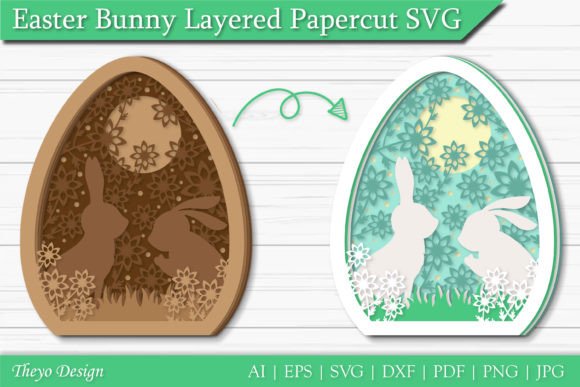
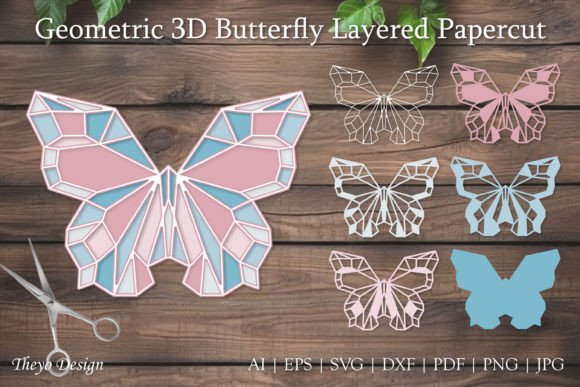
The resurgence of paper crafting has brought a new level of sophistication to DIY projects, with Flower 3D Layered Papercut SVG files leading the charge. These digital designs are not merely flat images; they are intricate blueprints that, when cut and assembled, create stunning dimensional art. Whether you are using a Silhouette, Cricut, or another cutting machine, these files transform simple cardstock into elaborate floral arrangements that look professionally manufactured. However, the gap between downloading a file and achieving a gallery-worthy result is often wider than beginners anticipate. Understanding the nuances of these layered designs is crucial for avoiding frustration and ensuring your final product reflects the quality of the original design.
Understanding the Complexity of Layered Files
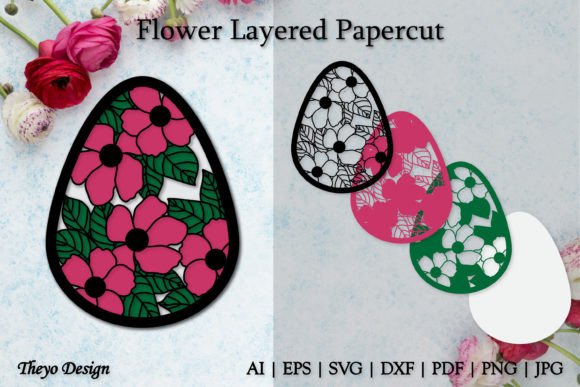
Before diving into the cutting process, it is essential to understand what makes a Flower 3D Layered Papercut SVG different from standard vector graphics. These files consist of multiple distinct layers, each representing a different depth or color in the final assembly. A common misunderstanding among novice crafters is assuming that all SVGs are created equal. In reality, a poorly constructed layered file can have misaligned registration marks, missing cut lines, or overly complex nodes that confuse cutting software. When you purchase a high-quality ZIP file containing SVG, EPS, PNG, PDF, DXF, JPG, and AI formats, you are investing in versatility and precision. Each format serves a specific purpose, and knowing which one to use for your specific machine and software setup is the first step toward success.
Common Pitfalls in Material Selection
One of the most frequent mistakes creators make is underestimating the importance of paper weight and texture. A 3D layered design relies on shadow and depth. If you use paper that is too thin, the layers will warp, bend, or tear during the weeding and assembly process. Conversely, paper that is too thick may not fit through your machine’s rollers or may require excessive pressure that dulls your blade quickly. For optimal results with flower designs, aim for cardstock between 65lb and 80lb. This weight provides enough rigidity to hold its shape while remaining flexible enough for intricate cuts.
Another overlooked detail is the finish of the paper. Glossy papers can reflect light in ways that flatten the perceived depth of the 3D effect, while matte finishes tend to enhance the shadows between layers. Always test a single layer before committing to cutting the entire design. This small step can save you hours of wasted material and time.
Navigating File Formats and Software Compatibility
Your downloaded ZIP file includes a variety of formats, but choosing the wrong one can lead to significant technical hurdles. Many beginners automatically select the SVG file, which is generally the best choice for web-based cutting software like Cricut Design Space or Silhouette Studio Basic Edition. However, if you are using professional vector software like Adobe Illustrator or CorelDRAW, the AI or EPS files offer superior editability. These formats allow you to adjust node points, simplify complex paths, and ensure that every curve is smooth before sending the job to your cutter.
A critical error occurs when users attempt to open DXF files in software that does not fully support them, resulting in lost layers or shifted coordinates. Always verify that your software version supports the specific file type you are importing. If you encounter errors, such as missing lines or unexpected shapes, switch to the PDF or PNG versions for reference. The PNG files, while not cuttable, serve as excellent visual guides for assembly, helping you understand the order in which layers should be stacked.
The Assembly Process: Precision Over Speed
Cutting the pieces is only half the battle; assembly is where the magic happens. A common mistake is rushing the gluing process. Using too much adhesive can cause the paper to buckle, creating unsightly wrinkles that ruin the 3D effect. Instead, use a fine-tip glue pen or double-sided tape dots for precise application. Start from the center of the flower and work your way outward, ensuring each layer is perfectly aligned with the one beneath it. Even a millimeter of misalignment can throw off the symmetry of the entire piece.
Additionally, many crafters forget to account for drying time. If you stack layers too quickly before the adhesive has set, the weight of the upper layers can shift the lower ones. Patience is key. Consider using tweezers to handle small, delicate petals, as fingers can leave oils or cause tears. By treating each layer with care, you preserve the integrity of the design and achieve a crisp, professional finish.
Evaluating Quality Before You Buy
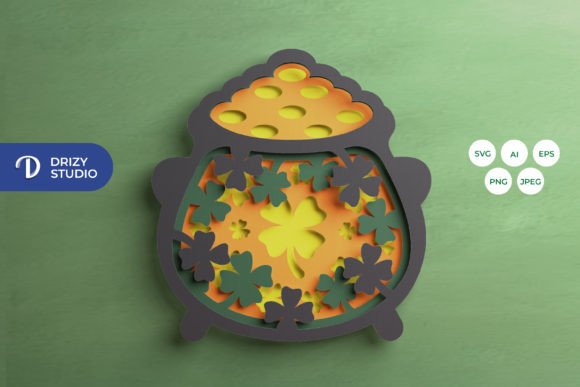
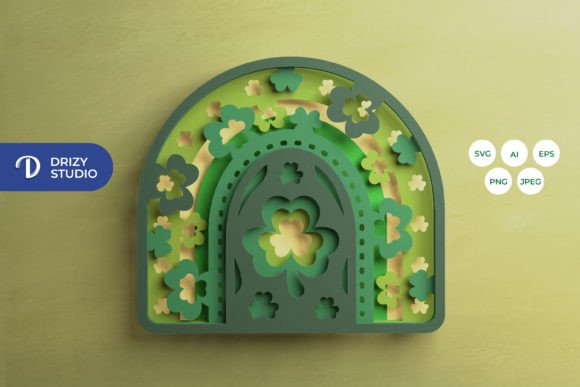
Not all digital files are created with the same level of expertise. Before purchasing a Flower 3D Layered Papercut SVG, examine the preview images closely. Look for clean lines, consistent spacing between layers, and realistic shading in the mockups. Reputable designers will provide multiple angles and close-ups of the cut files. If the previews look pixelated or the layers appear disjointed, it is likely a sign of poor file construction.
Furthermore, check the included documentation. High-quality products often come with instructions on recommended settings, material types, and assembly tips. If a seller offers no guidance, you may be left troubleshooting alone. Remember, you can always contact the seller if there is anything you don’t understand or if there is an error in the file. A responsive creator is a good indicator of a reliable product. Don’t hesitate to ask questions before buying; this due diligence ensures you receive a file that meets your needs.
Maximizing Your Creative Potential
Once you have mastered the basics, consider experimenting with different materials. Vellum, acetate, or metallic papers can add unique textures and lighting effects to your floral designs. You can also mix and match layers from different files to create custom compositions. The versatility of these SVG files allows for endless creativity, provided you maintain attention to detail.
Follow creators and shops that consistently release high-quality designs. By staying updated with new releases, you can expand your library of techniques and styles. Engaging with the community can also provide valuable insights into best practices and troubleshooting tips. Whether you are creating gifts, home decor, or products for sale, the right approach to layered papercraft can elevate your work from hobbyist to professional.
In conclusion, working with Flower 3D Layered Papercut SVG files requires a blend of technical knowledge and artistic patience. By avoiding common mistakes in material selection, file handling, and assembly, you can produce stunning results that highlight the beauty of paper engineering. Take the time to learn the tools, respect the process, and enjoy the creative journey. Your next masterpiece is just a cut away.